One aspect of this web hosting world that users may find complicated are the different accounts (and associated passwords) that you can manage as part of your participation. This section outlines the types of accounts that you are likely to have, what they are for, and how you go about resetting passwords on each of them.
Your cPanel Account
When you first sign up for your domain and hosting, a cPanel account will be generated that provides you with access to your slice of the web server. Your cPanel account is automatically associated with your Brown username and password. Therefore, your Brown username and password will grant you access to your cPanel account.
Your Application Administrator Accounts
Every time you install a new application in cPanel, an Administrator Account for that application will be created. You will likely use these accounts very often – every time you need to log in to your application to manage the associated website, you will use this account.
For example, if you install WordPress to manage your website, every time you need to add content to WordPress, change your theme, approve comments, etc., you will use this account to log in.
Usually, you will be given the opportunity to choose the username and password for that account. We recommend choosing something that you are likely to remember but that is strong and secure. Do not use your Brown username and password for these applications.
Upon installation, you will likely receive an email confirming the username/password combination you chose. It will also have information about how to access the login page for that application. It’s a good idea to keep this message.
Depending on the application you’re working with, managing and resetting the password for this account will vary. If you’ve used Installatron (in cPanel) to install the application, however, you can always review the account credentials:
-
Log in to cPanel
-
Find the application you installed under My Applications.
-
Click the Edit button (this looks like a blue wrench).
-
Scroll down to find the Administrator Username and Password.
In addition, most applications should have some kind of password reset link on the login page. For more information on resetting your application password through Installatron, click here.
Other Types of Accounts
In addition to the account types outlined above, there are a few other kinds of accounts you may have as part of this project:
-
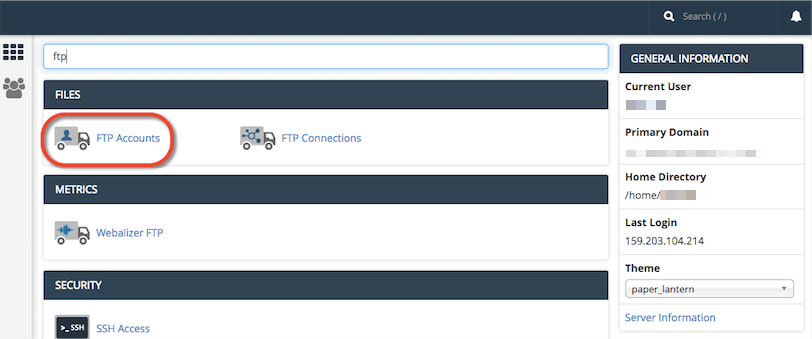
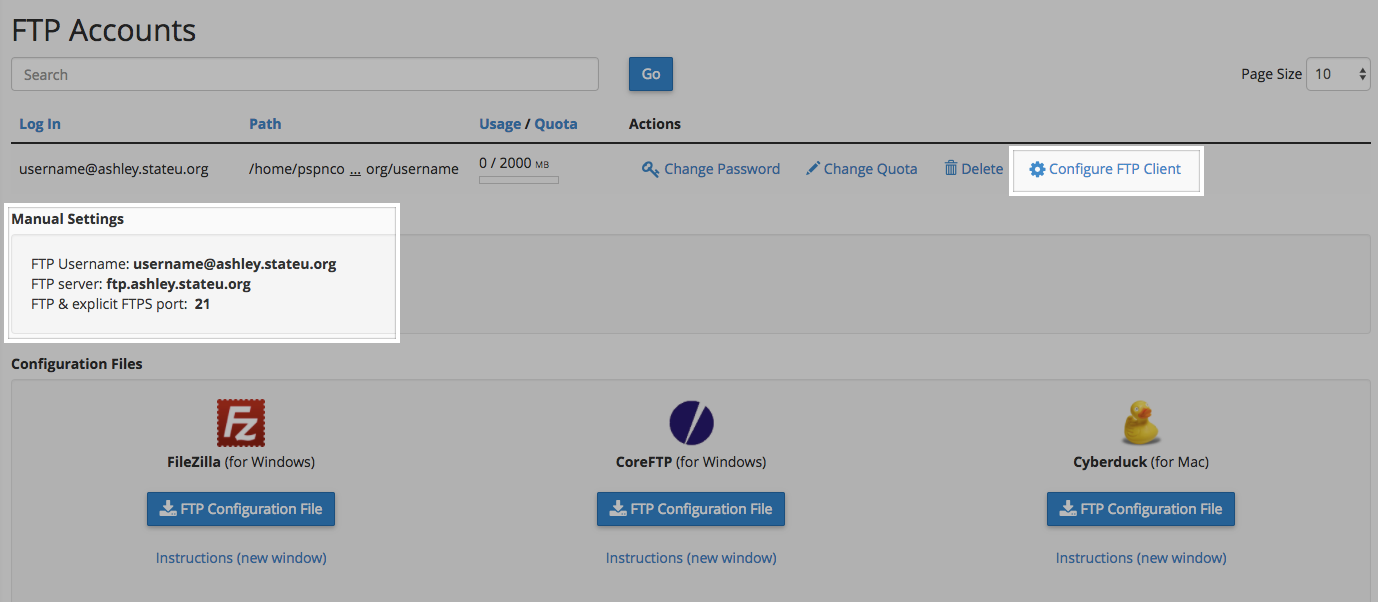
When you sign up for a subdomain/top-level domain, cPanel will automatically create an FTP (File Transfer Protocol) account for you by default. FTP is a fast and convenient was to transfer large files online. You’ll also have the option of manually creating your own FTP account.
-
Application User Accounts: In addition to the Administrator Account that you set up when installing an application, most applications will also let you set up user profile accounts within each application.


 You should now see a screen confirming that your subdomain is ready. After a few seconds, you will see the regular cPanel options.